




Last updated: February 25, 2026
Key Takeaways
- Turn B2B SaaS user noise into clear account-level insights by tagging every Amplitude event with company_id and account properties.
- Build onboarding funnels and retention cohorts tied to ARR tiers so you can predict activation and cut churn.
- Track churn signals like fewer logins and spot expansion opportunities such as new feature adoption to drive proactive revenue growth.
- Connect CRM and payment data to create PQLs and executive dashboards that show MRR, NRR, and CAC payback in one place.
- Hit 2026 benchmarks like 55% D1 retention for high ARR cohorts; Book a discovery call with SaaSHero to turn these insights into paid media performance.
Core Setup for B2B SaaS Analytics
Start with access to Amplitude’s free tier, your CRM system such as HubSpot or Salesforce, and your payment platform like Stripe. This stack usually needs 4 to 6 hours for initial configuration and about 2 weeks before dashboards feel reliable.
B2B SaaS analytics focuses on accounts instead of only individual users. You track ARR tier, company size, and seat count, then measure monthly active accounts and account-level engagement patterns.
With 2026 privacy regulations such as GDPR, CCPA, and SOC2 requirements now standard for enterprise deals, bake consent management and data minimization into your multi-tenant setup from day one.
7-Step Framework for Revenue-Focused Analytics
This 7-step framework turns Amplitude into a B2B revenue intelligence engine.
- Instrument B2B-specific events with account properties
- Configure account-level user properties and segmentation
- Build onboarding funnels that predict activation
- Create retention cohorts tied to revenue outcomes
- Track churn signals and expansion opportunities
- Integrate CRM and payment data for full attribution
- Build ARR-focused dashboards for executive reporting
Track these essential B2B events.
|
Event Name |
Key Properties |
B2B Purpose |
|
Account Signup |
company_id, arr_tier |
Onboarding start |
|
Account Login |
company_id, user_role |
Adoption frequency |
|
Feature Adoption |
feature_name, company_id |
Power user signals |
|
Demo Request |
company_id, source |
Sales handoff |
|
Expansion Upgrade |
new_seats, arr_change |
NRR growth |
|
Trial Activation |
core_action_completed |
Activation rate |
|
Account Churn |
churn_reason, company_id |
Risk prediction |
Step 1: Instrument Events with Clear Account Context
Go to Amplitude Data > Events and define your core B2B events starting with Account Login. Add properties such as company_id, user_role, and plan_tier so you can run account-level analysis.
Always include company_id on every event because it acts as the primary key for account aggregation. HR Tech teams can track events like Employee_Onboarded or Performance_Review_Completed with properties that show which client company took the action.
Avoid logging navigation clicks or generic page views without business meaning. Focus on events that show real engagement or progress toward your core value.
Run a quick validation and confirm that at least 95 percent of events include company_id. Missing account context blocks meaningful B2B analysis.
Step 2: Configure Account-Level User Properties
Define user properties that reflect your B2B reality such as account_tier, company_size, industry_vertical, and lifecycle_stage across Trial, Onboarding, Active, and At-Risk.
Amplitude counts monthly tracked users with device_id for anonymous users or user_id for identified users, so clean identity mapping keeps your account metrics accurate.
For multi-tenant SaaS, create a clear identification schema. When a user logs in, call amplitude.identify() with their user_id plus account-level properties so you can view both individual behavior and account-wide patterns.
Step 3: Build Onboarding Funnels That Predict Success
Set up funnels that follow the path from account signup to activation. Define activation as specific events completed within 2 to 3 days after signup, such as profile completion, team invitations, or a core workflow.
For a project management SaaS, use a funnel like Account Signup, Team Invitation Sent, First Project Created, First Task Assigned, and First Task Completed. Include company_id at every step so you can analyze funnels at the account level.
Use Amplitude funnel reports to see where accounts drop off most. If 60 percent complete signup but only 30 percent invite team members, focus improvements on the invitation step.
Step 4: Create Retention Cohorts Tied to ARR
Use Amplitude cohort analysis to group users by behavior such as signup date, feature usage, and engagement, then connect those cohorts to retention and revenue.
Create cohorts by signup month and then slice them by ARR tier. High-value accounts above $10k ARR should show distinct retention patterns that guide your customer success playbook.
Book a discovery call with SaaSHero to turn these retention insights into paid media campaigns that lower churn and speed up expansion.

Step 5: Track Churn Risk and Expansion Signals
Define events that reflect account health such as fewer logins, lower feature usage, higher support ticket volume, and payment issues. Use predictive cohorts with machine learning to flag users who resemble low-retention groups so you can intervene early.
Track expansion signals at the same time. Watch for usage caps reached, advanced feature adoption, or integration requests, then trigger workflows for your customer success team when these patterns appear.
Create alerts for accounts that show risk, such as a 50 percent drop in weekly active users or no logins for 14 days. Early outreach based on product data often saves accounts before they cancel.
Step 6: Connect CRM and Payment Data
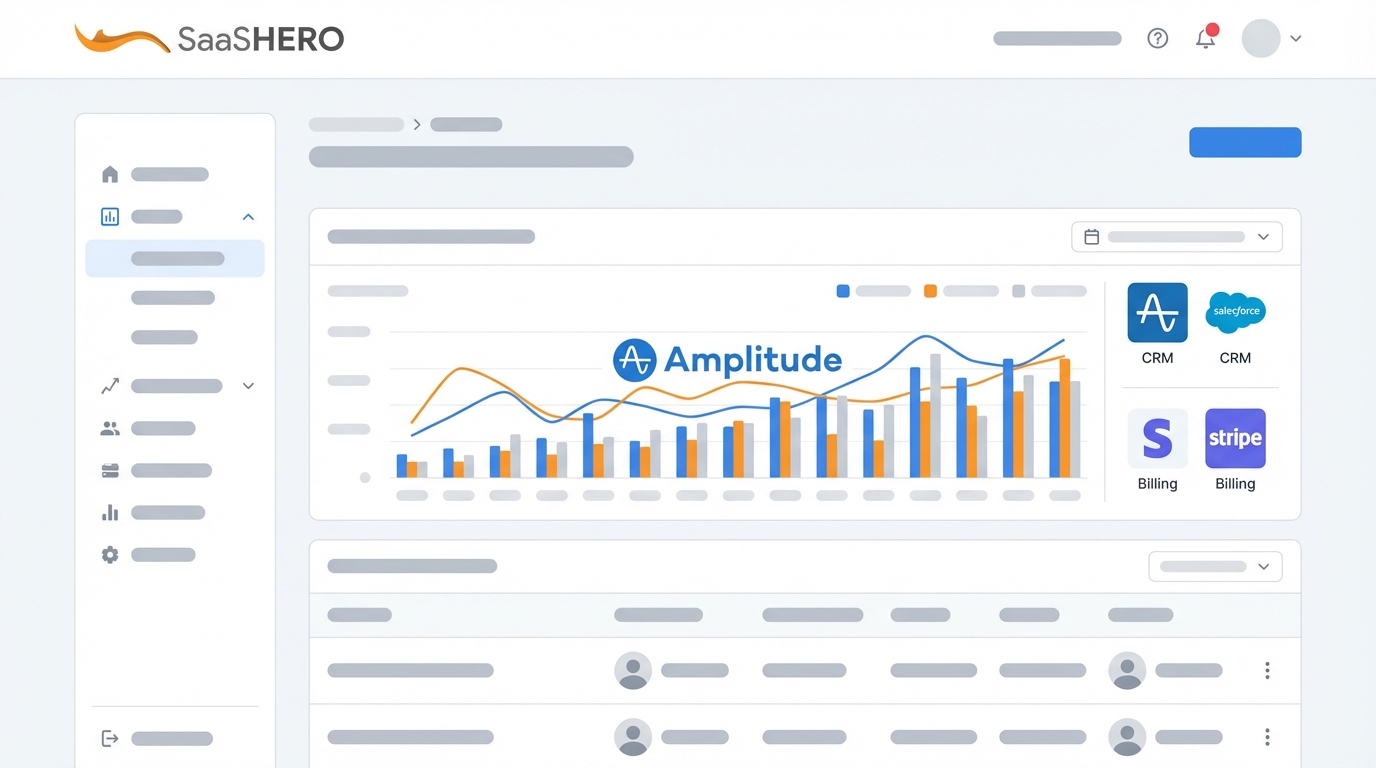
Connect Amplitude to your CRM and Stripe so you can see the full customer journey from first touch to revenue. Build Amplitude cohorts from product usage patterns to define Product Qualified Leads that sync directly to sales.
Set webhook triggers for accounts that enter power user or expansion-ready cohorts. Automatically create CRM tasks so sales and success teams act on product signals in real time.
Link product events to revenue by mapping Amplitude properties to CRM deal stages and Stripe subscription changes. This connection lets you measure the revenue impact of specific features and onboarding changes.
Step 7: Build ARR-First Executive Dashboards
Design dashboards that match how revenue leaders think. Include Monthly Recurring Revenue by cohort, Net Revenue Retention trends, and Customer Acquisition Cost payback periods. Track NRR for each signup cohort over time so you can see account-level revenue retention.
Highlight activation rate from onboarding funnels, PQL volume from product signals, and expansion ARR tied to specific feature adoption. These metrics connect product usage directly to revenue and support future product investment.
Automate reports that show how product changes affect revenue. When onboarding completion improves, quantify the lift in retention and expansion ARR over the following months.
Benchmarks for Measurement and Validation
Use clear success metrics for your Amplitude rollout. Target CAC under $40, payback under 90 days, and a 3:1 LTV to CAC ratio. Track these by cohort and channel to find your most efficient growth engines.
Monitor weekly retention cohorts and aim for these 2026 benchmarks.
|
Cohort Type |
D1 Retention |
D30 Retention |
Benchmark Source |
|
High ARR Tier |
55% |
30% |
Amplitude 2026 |
|
Onboarding Complete |
60% |
35% |
UserPilot |
|
Feature Power Users |
70% |
45% |
Industry Average |
If data feels delayed, add Stripe webhooks for real-time revenue updates and confirm that your CRM sends deal stage changes back into Amplitude.
Why Partner with SaaSHero for Paid Media
Amplitude gives you the analytics foundation, and SaaSHero turns those insights into revenue through B2B paid media. They generated $504k Net New ARR for TripMaster using this approach.

SaaSHero uses a flat-rate model instead of percentage-of-spend pricing, which keeps their incentives aligned with your growth.
|
Ad Spend (Up to $10k) |
Month-to-Month |
|
1 Channel Management |
$1,250 |
|
2 Channel Management |
$2,500 |
|
Full Marketing Team |
$2,500 |
Their senior-led team and month-to-month contracts reduce risk while helping you turn analytics insights into measurable ARR gains.

Enterprise Extensions and Advanced Use Cases
Enterprise teams can add predictive churn modeling that blends Amplitude machine learning with external data sources. Feed usage spikes and advanced feature adoption into PLG motions to uncover expansion paths.
Compare Amplitude’s account-level tracking with tools like Mixpanel when you manage complex multi-tenant setups where account hierarchy and permissions matter more than single-user views.
Summary and Practical Next Steps
Amplitude for B2B SaaS works best when you focus on account-level insights instead of only user-level metrics. This 7-step playbook gives you a clear path from raw product data to revenue intelligence.
Start with Step 1 and instrument your core account events, then layer in cohorts, funnels, and integrations. Most teams see useful insights within 2 weeks and noticeable retention gains within 90 days.
Book a discovery call with SaaSHero to speed up implementation and turn Amplitude insights into scalable paid media campaigns that grow ARR consistently.

Frequently Asked Questions
How long does Amplitude setup take for B2B SaaS?
Most teams need 4 to 6 hours for event instrumentation and basic configuration. You will see early data within 48 hours, while strong cohort and retention insights usually appear after 2 to 4 weeks of data collection. Start with core events such as account signup, activation, and churn, then expand coverage.
Can Amplitude support complex enterprise account structures?
Amplitude supports complex multi-tenant environments through custom user properties and account-level segmentation. You can track parent companies, subsidiaries, and user roles inside each account. Enterprise rollouts still require careful planning for data governance, SSO, and compliance, so consider working with B2B SaaS analytics specialists.
What should I change if retention trails industry benchmarks?
Low retention usually points to onboarding friction or slow value realization. Use Amplitude funnels to find the exact steps where accounts drop off, then improve those moments. Simplify setup, add clearer in-app guidance, and help users reach core value in their first session, then track cohort lifts over time.
How do Amplitude insights connect to real revenue?
Revenue connection depends on tight integrations with your CRM and payment tools. Trigger sales actions when accounts enter high-value cohorts or show expansion behavior, then track PQL volume and how engagement links to expansion and retention.
Which privacy requirements matter most for B2B SaaS analytics in 2026?
B2B SaaS companies need strong data governance that covers GDPR consent, SOC2 controls for enterprise buyers, and data minimization. Configure Amplitude with audit trails, retention policies, and support for data subject requests. Many enterprises now require proof of compliance before signing, so this work protects revenue as well as legal risk.